
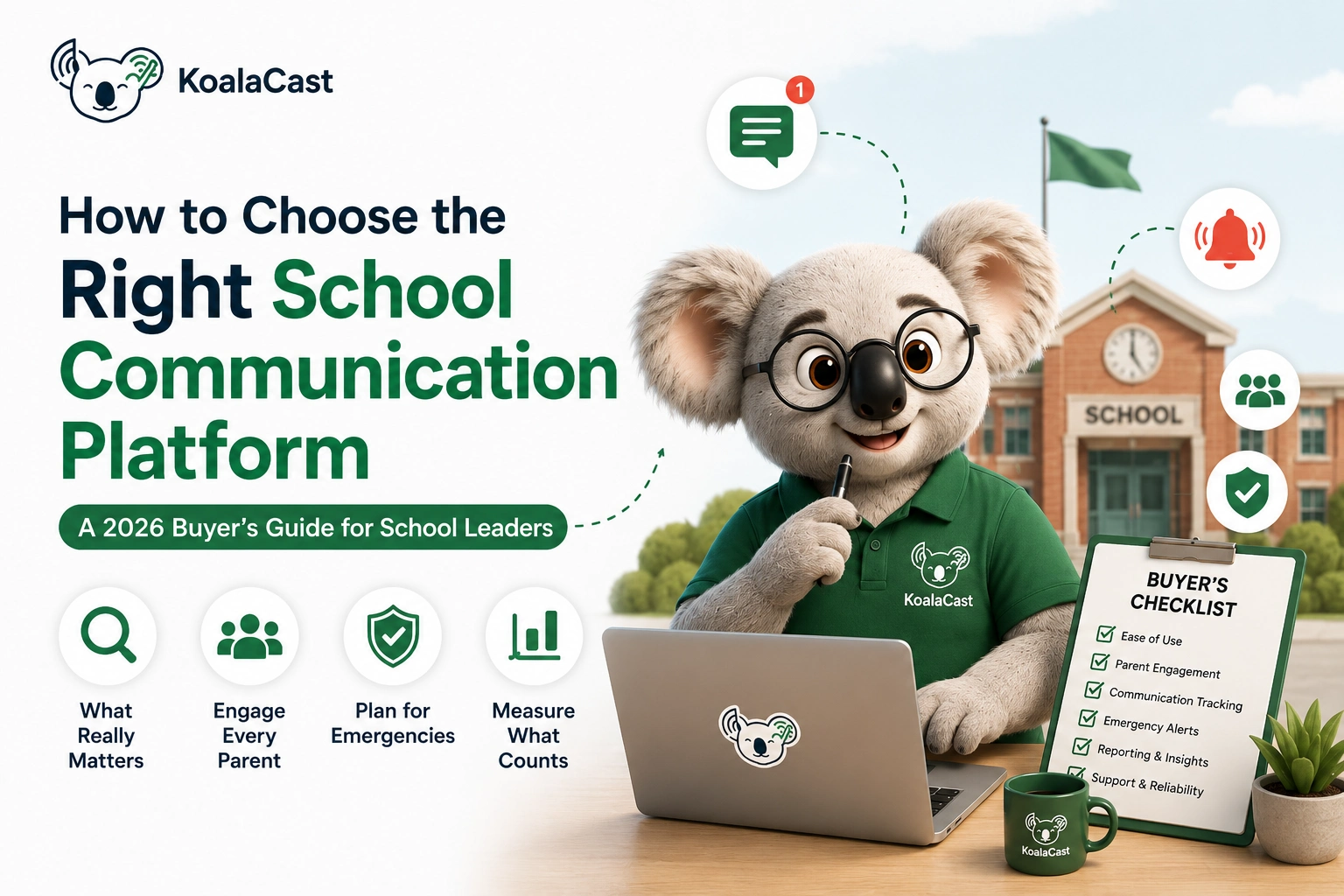
How to Choose a School Communication Platform?
Choosing a new communication platform isn't just another software purchase.
You're choosing how your school will communicate with thousands of parents, hundreds of staff members, and sometimes an entire community during its most important moments.
The right platform can save countless administrative hours, improve parent engagement, and give school leaders confidence that important information reaches the right people.
The wrong platform becomes another app that parents ignore after the first week.
If you're evaluating school communication software in 2026, here's what actually matters.
1. Start With the Problem, Not the Features
Every vendor will promise:
- Instant notifications
- Mobile apps
- Beautiful dashboards
- Unlimited announcements
Those features are useful.
But first ask yourself:
What problem are we trying to solve?
For some schools, it's poor parent engagement.
For others, it's emergency communication.
Many simply want to stop chasing parents for acknowledgements.
The clearer your objective, the easier it becomes to choose the right platform.
2. Does It Help You Communicate—or Just Send Messages?
There's an important difference.
Many tools help schools send information.
Fewer help schools understand what happened after it was sent.
Ask vendors questions like:
Can we see who viewed an announcement?
Can parents acknowledge important notices?
Can reminders be sent only to families who haven't responded?
Can we measure engagement over time?
Communication shouldn't end when you press Send.
3. Think Beyond Announcements
Modern schools communicate in many different ways.
Your platform should support more than news updates.
Examples include:
Fee reminders
Parent-Teacher Meeting invitations
School event registrations
Permission and consent forms
Emergency alerts
Polls and surveys
Calendar events
Policy updates
Buying separate tools for each task often creates more complexity.
4. Make Sure Parents Will Actually Use It
The most feature-rich platform is useless if parents don't engage with it.
Look for things that reduce friction:
Simple interface
Fast loading
Clear notifications
Multiple language support
Email and browser access for parents who don't install apps
A platform should adapt to families—not expect every family to adapt to technology.
5. Visibility Matters More Than Volume
Schools rarely struggle because they send too few messages.
They struggle because they don't know whether important information reached the intended audience.
Ask whether the platform provides visibility such as:
Who viewed the announcement?
Who acknowledged it?
Who still needs a reminder?
Which classes have lower engagement?
Those insights save far more time than sending another reminder to everyone.
6. Emergency Communication Should Be Built In
Emergencies don't give schools time to improvise.
Whether it's severe weather, transport delays, a utility failure, or an unexpected closure, schools need to communicate quickly and consistently.
Ask:
Can urgent messages be prioritised?
Can communication be targeted to specific groups?
Can the school verify who received important updates?
In an emergency, confidence matters just as much as speed.
7. Look for Accountability, Not Just Delivery
One of the biggest differences between communication platforms is accountability.
Can you answer questions like:
When was this notice sent?
Who received it?
Who opened it?
Who acknowledged it?
Months later, that history can be invaluable for resolving misunderstandings or demonstrating that information was shared.
8. Consider the Administrative Workload
Technology should reduce work—not create it.
During demonstrations, ask staff members:
"Will this save us time every week?"
Good platforms reduce:
Manual reminders
Phone calls
Paper forms
Spreadsheet tracking
Repeated follow-ups
Small time savings quickly become significant across an academic year.
9. Think About Growth
Your needs today won't be your needs in three years.
Can the platform support:
More students?
Additional campuses?
New communication workflows?
More staff members?
Future integrations?
Choosing software that can grow with your school reduces future disruption.
10. Ask One Final Question
Before making your decision, ask every vendor this:
"What will our school be able to do six months from now that we cannot do today?"
The answer reveals far more than a feature list.
The best communication platforms don't simply help schools send announcements.
They help schools communicate with greater confidence, clarity, and accountability.
A Practical Evaluation Checklist
When comparing platforms, ask whether they provide:
✓ Parent engagement tracking
✓ Named viewership
✓ Digital acknowledgements
✓ Smart reminders
✓ Emergency communication support
✓ Calendar and event management
✓ Polls and surveys
✓ Audit trail and communication history
✓ Role-based permissions
✓ Reporting and analytics
✓ Multi-language support
✓ Easy parent onboarding
The more "yes" answers you receive, the more likely the platform will continue delivering value long after implementation.
Final Thoughts
Every school communicates.
The question isn't whether messages are being sent.
It's whether they are reaching the people who need them—and whether the school has confidence in that process.
As expectations around school-home communication continue to grow, the most successful schools are moving beyond simple messaging tools toward platforms that provide visibility, accountability, and meaningful engagement.
That's the standard modern communication platforms, including KoalaCast, aim to support.
Choose the platform that helps your school communicate with confidence—not just convenience.
Ready to try it
See exactly who reads every announcement
Free plan · No credit card required · 5-minute setup
Create your free workspace →